Scan
Sprint
- Category Apps
- Client Name Maverick Codebase
- Industry Productivity
- Launch Date TBA
Coming soon — store links will appear here when the app is available.
Turn paper into a PDF
you can send
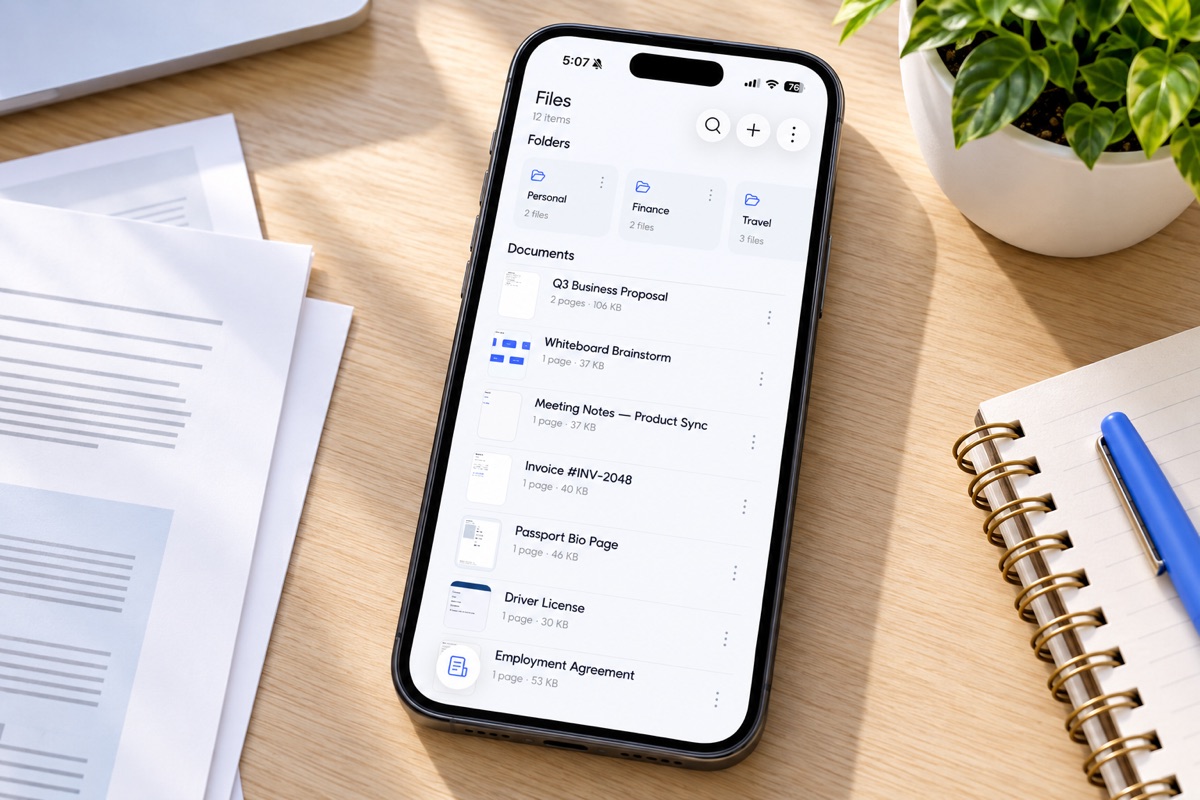
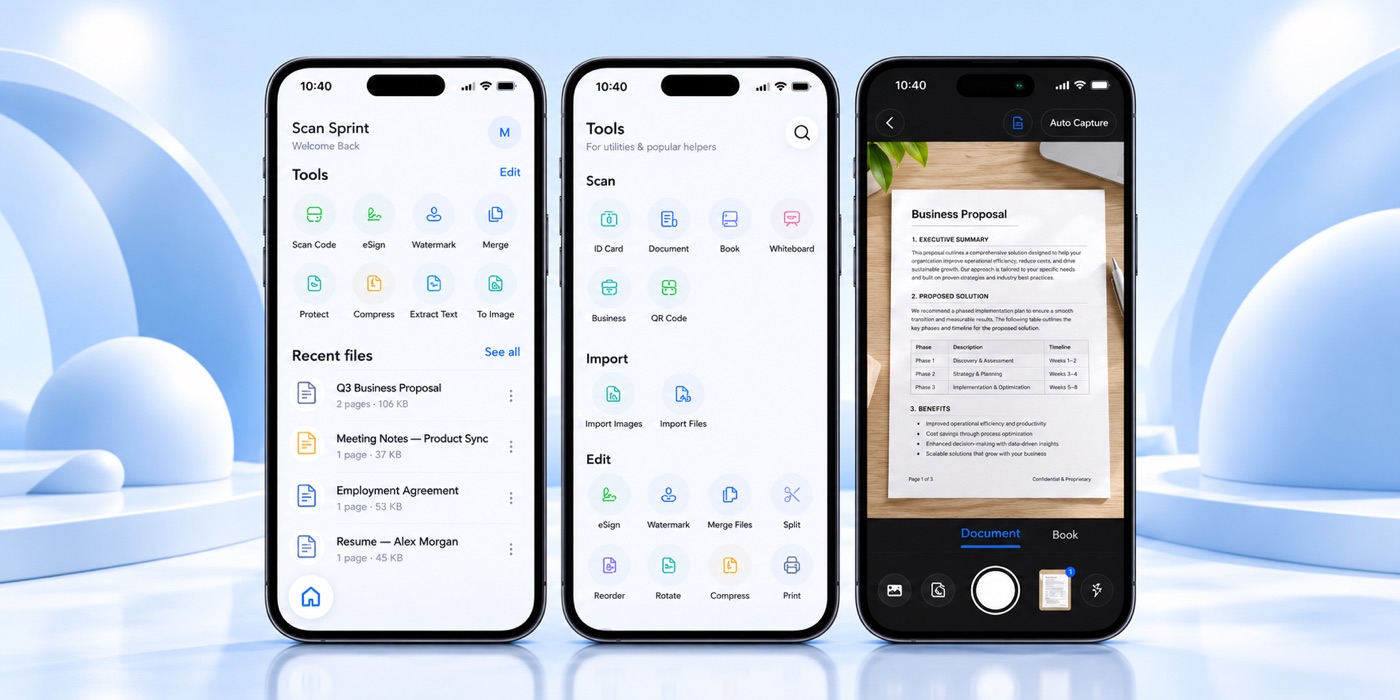
Scan Sprint is a document scanner for iPhone and Android. Point the camera at a page, let it find the edges, then crop, filter, rotate, or retake before you save a PDF. Add pages, reorder them, and keep the file on your phone.
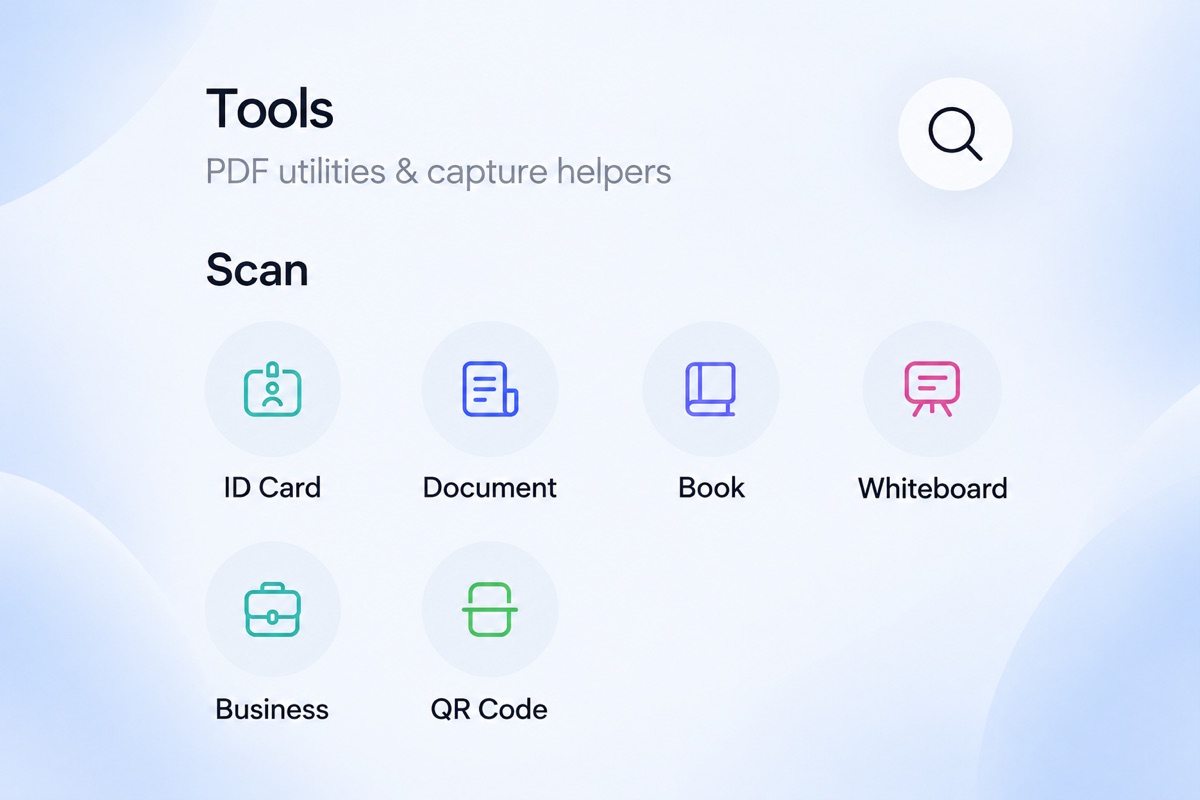
It covers documents, books, IDs, business cards, and whiteboards, plus a QR or barcode when you need one. Recent scans sit on Home. The rest live in folders you can search, sort, rename, and move.
Share a PDF, a Word file, or an image when you are ready. Premium adds a watermark, a signature you draw and place, merge, password protection, compress, split, and text extraction. Your pages are not uploaded.
What you can do
- + Scan documents, books, IDs, cards, and whiteboards with edge detection
- + Crop, filter, rotate, retake, insert, and reorder pages
- + Folders, search, and recent files, stored on your phone
- + Share as PDF, Word, images, and other common formats
- + Watermark, drawn signature, merge, password, compress, and split
- + Extract text, turn a PDF into images, and print
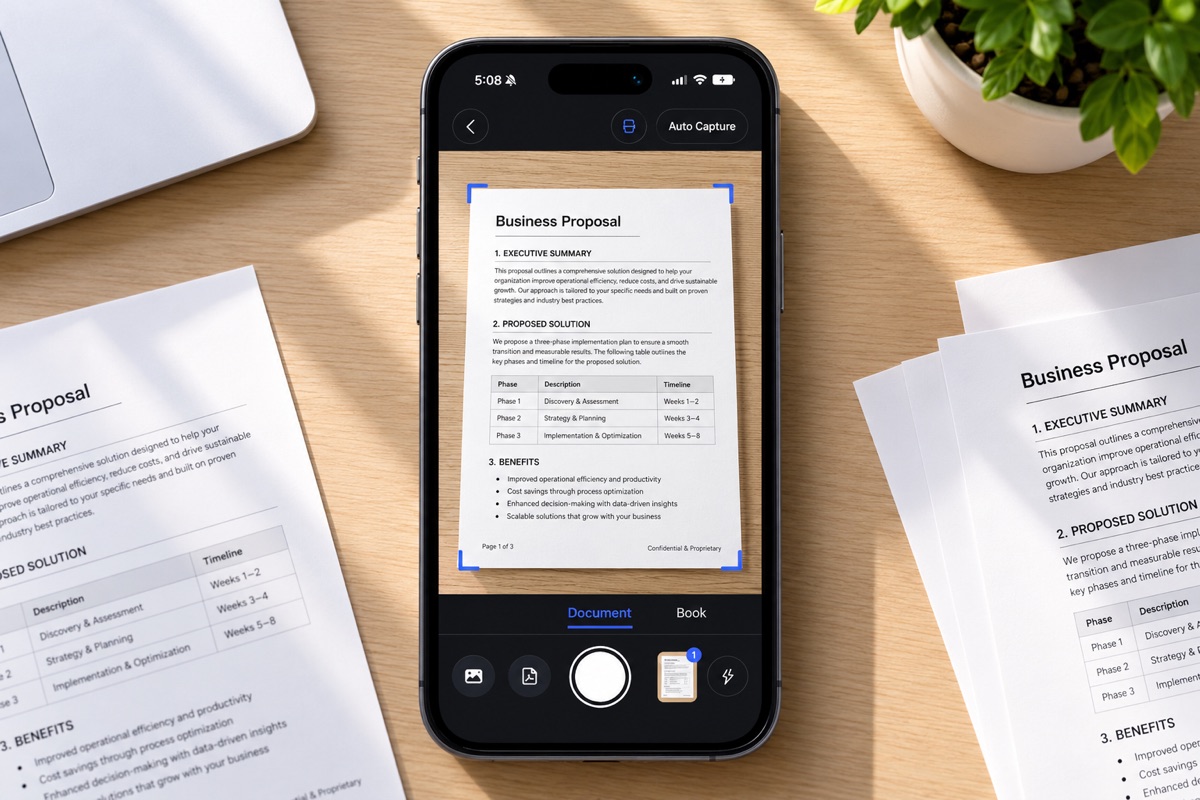
Scan, edit,
then share
Capture the pages, fix the edges, and save a PDF into a folder. Print it, or send it in the format the other person needs. Nothing is uploaded unless you share it yourself.
You can save 5 PDFs a day for free. Premium is unlimited, at $3.99 a month or $39.99 a year, with a free trial. Cancel anytime in the App Store or Google Play. A zip backup is in Account if you want a copy, and you can delete the files on that phone whenever you choose.